GPT-4o on an ESP32 MicroController

After I got GPT-4o to run in Unity, I wanted to try and see if I could get it to talk to an ESP32 microcontroller!
I wrote the code in VSCode+PlatformIO, but it should work the same in the Arduino IDE.
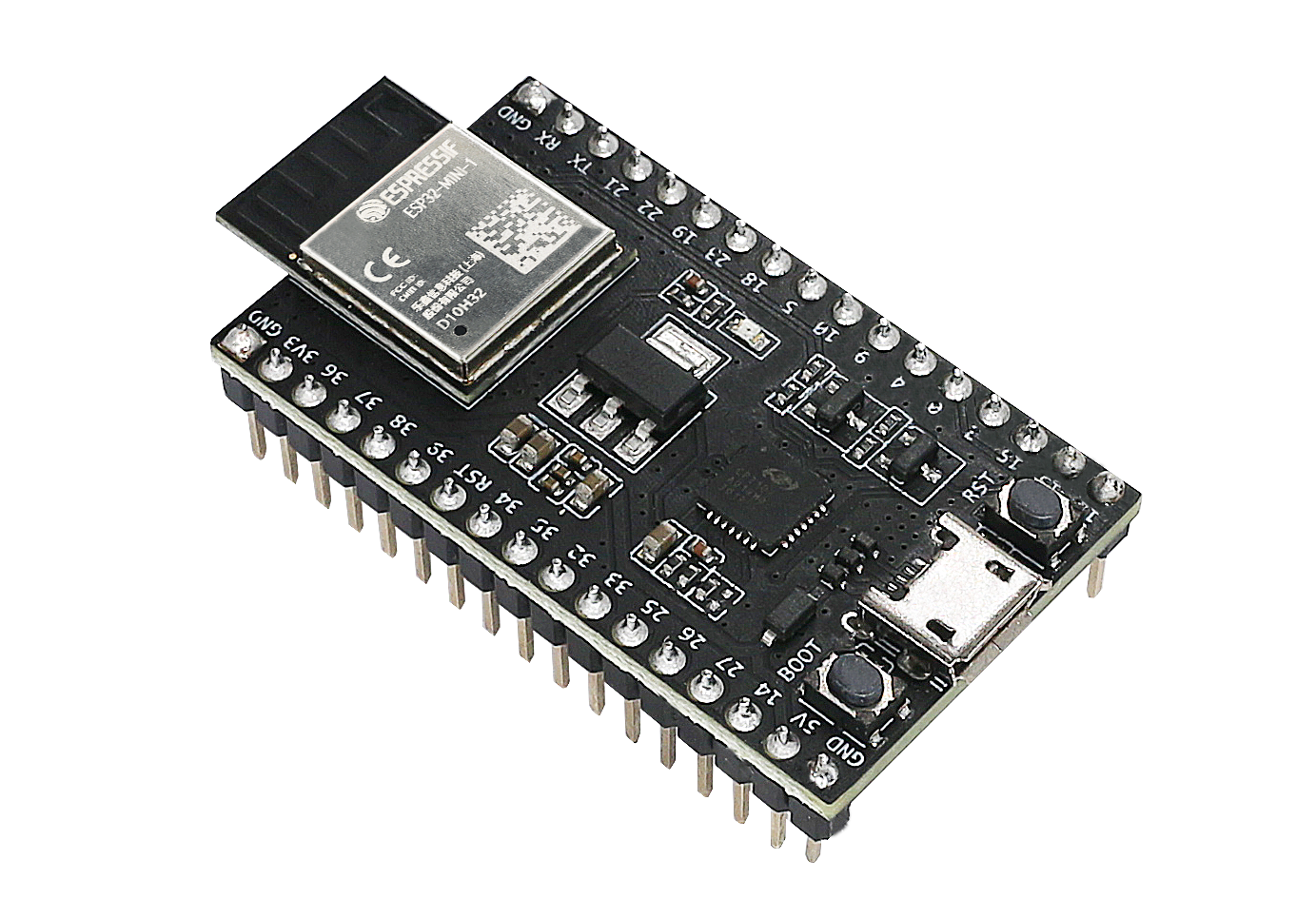
-
Go to https://platform.openai.com/api-keys and create an OpenAI API key
-
Connect an ESP32 microcontroller, create a new project, set it all up
-
Install the ArduinoJson library
-
create
config.h
#define WIFI_NAME "<YOUR WIFI NAME>"
#define WIFI_PASSWORD "<YOUR PASSWORD>"
#define OPENAI_API_KEY "<YOUR SECRET KEY>"
- create
main.cpp(orwhatever.inoif you’re using the Arduino IDE)
#include <Arduino.h>
#include <WiFi.h>
#include <HTTPClient.h>
#include <ArduinoJson.h>
#include "config.h"

const char *openAIEndpoint = "https://api.openai.com/v1/chat/completions";

void sendRequest(String systemMessage, String userMessage) {
    if (WiFi.status() == WL_CONNECTED) {
        HTTPClient http;
        http.begin(openAIEndpoint);
        http.addHeader("Authorization", "Bearer " + String(OPENAI_API_KEY));
        http.addHeader("Content-Type", "application/json");

        // Create JSON object for the request
        StaticJsonDocument<1024> jsonRequest;
        jsonRequest["model"] = "gpt-4o";

        JsonArray messages = jsonRequest.createNestedArray("messages");
        JsonObject systemMsg = messages.createNestedObject();
        systemMsg["role"] = "system";
        systemMsg["content"] = systemMessage;

        JsonObject userMsg = messages.createNestedObject();
        userMsg["role"] = "user";
        userMsg["content"] = userMessage;

        // Serialize JSON object to String
        String requestBody;
        serializeJson(jsonRequest, requestBody);

        // Send HTTP POST request
        int httpResponseCode = http.POST(requestBody);
        if (httpResponseCode > 0) {
            String response = http.getString();

            // Deserialize the response
            StaticJsonDocument<1024> jsonResponse;
            deserializeJson(jsonResponse, response);

            if (jsonResponse.containsKey("choices") && jsonResponse["choices"].size() > 0) {
                String gptResponse = jsonResponse["choices"][0]["message"]["content"].as<String>();
                Serial.println("Response: " + gptResponse);
            } else {
                Serial.println("No choices received.");
            }
        } else {
            Serial.println("Error on sending POST: " + String(httpResponseCode));
        }

        // Free resources
        http.end();
    } else {
        Serial.println("WiFi not connected");
    }
}

void setup() {
    Serial.begin(115200);
    WiFi.begin(WIFI_NAME, WIFI_PASSWORD);

    Serial.print("Connecting to WiFi..");
    displayText("Connecting to WiFi...");
    while (WiFi.status() != WL_CONNECTED) {
        delay(1000);
        Serial.print(".");
    }
    Serial.println("\nConnected to WiFi");
    displayText("Connected!");

    // Example usage
    String systemMessage = "You are a helpful assistant.";
    String userMessage = "Tell me a joke about modular synthesizers.";
    sendRequest(systemMessage, userMessage);
}

void loop() {}
- Upload and run! First it connects to the WiFi, then it sends one request and prints the response to serial (Open the Serial Monitor to see it!)


Done! GPT-4o on an ESP32! Now what to do with this power… 🤔
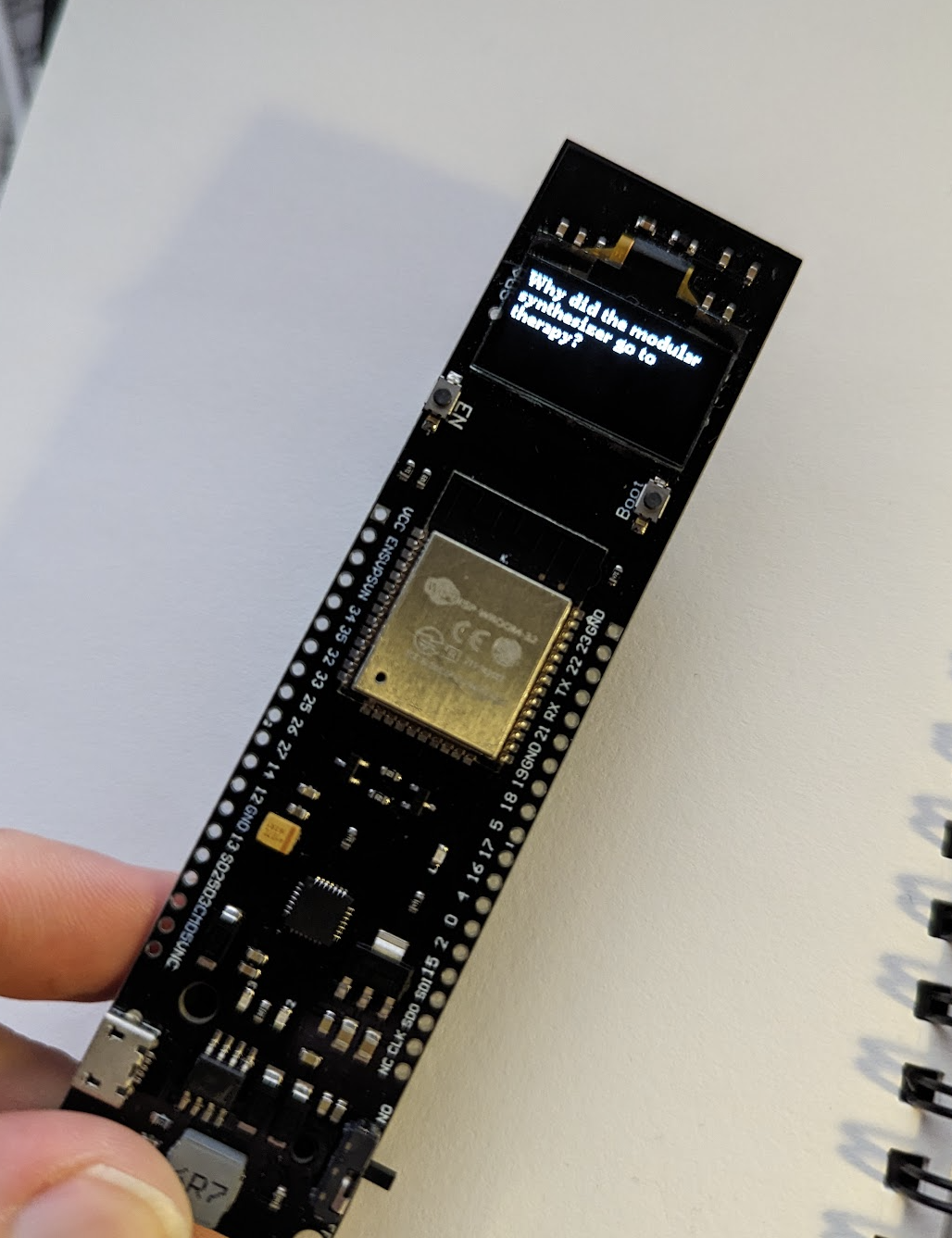
Here’s a picture of a TTGO LoRa32-OLED V1 with GPT-response on screen:
Leave a comment