Arduboy Course - Part II: Movement
Previous Chapter: Part I: BASICS
Ok, with all the basics out of of the way, let’s make something!
Movement
Let’s make a circle we can move via the up/down/left/right buttons!
-
Create variables for the
xandyposition of our circle -
Check for button input and increase/decrease
xandyaccordingly -
Check that the position can’t go off-screen
-
Draw a circle at the current
xandyposition!
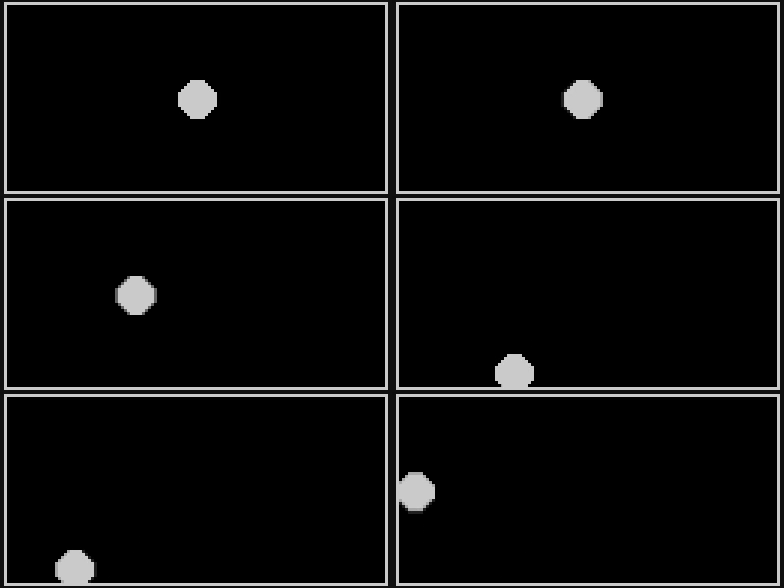
Here’s the result:
#include <Arduino.h>
#include <Arduboy2.h>

Arduboy2 arduboy;

int x = 64;
int y = 32;

int radius = 6;

void setup() {
	arduboy.begin();
}

void loop() {
	if (!(arduboy.nextFrame()))	return;

	arduboy.clear();
	arduboy.pollButtons();

	arduboy.drawRect(0, 0, arduboy.width(), arduboy.height(), WHITE); // Draw a white frame around the screen

	// Change the position
	// Up to go up
	if(arduboy.pressed(UP_BUTTON)) {
		y -= 1;
	}
	// Left to go left
	if(arduboy.pressed(LEFT_BUTTON)) {
		x -= 1;
	}
	// Right to go right
	if(arduboy.pressed(RIGHT_BUTTON)) {
		x += 1;
	}
	// Down to go down
	if(arduboy.pressed(DOWN_BUTTON)) {
		y += 1;
	}

	// Keep the position on the screen
	if(x < 0 + radius) {
		x = radius;
	}
	if(x > arduboy.width() - radius) {
		x = arduboy.width() - radius;
	}
	if(y < 0 + radius) {
		y = 0 + radius;
	}
	if(y > arduboy.height() - radius) {
		y = arduboy.height() - radius;
	}

	// Draw a circle at the current position
	arduboy.fillCircle(x, y, radius, WHITE);

	arduboy.display();
}
Challenges
-
Can you change it so the circle moves faster?
-
Can you make it so the circle’s radius can be changed with the
AandBbuttons?
Movement via Momentum + Gravity
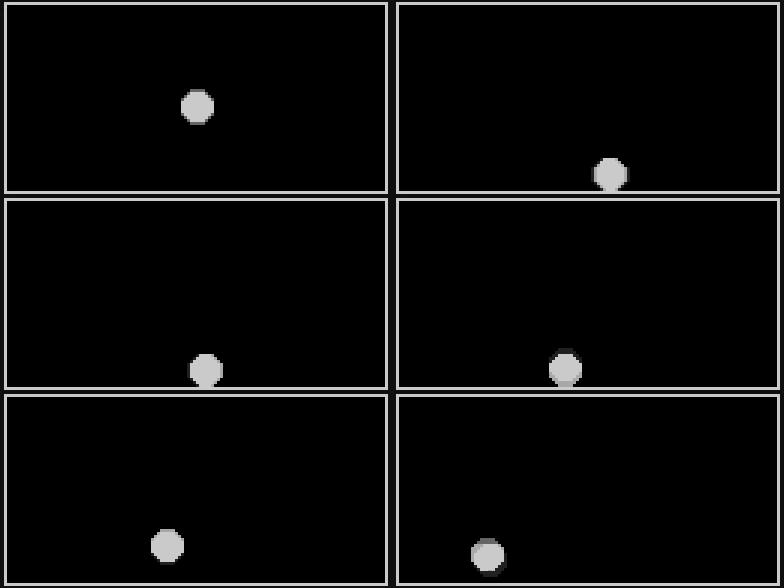
The previous example changed the position directly. But now we want to change the program so that movement is based on momentum!
-
When we press a button we no longer change the
xandyposition directly -
Instead we change
xMomentumandyMomentum -
Then we use
xMomentumgandyMomentumto change thexandyposition -
If the user doesn’t press
LEFT_BUTTONorRIGHT_BUTTON, thenxMomentumshould decrease towards0.0 -
If the user presses
A_BUTTONwe add an upwards force toyMomentumto make them jump -
And we add
gravityas a constant downward force that acts onyMomentumand pushes the player towards the ground
#include <Arduino.h>
#include <Arduboy2.h>

Arduboy2 arduboy;

float x = 64.0;
float y = 32.0;

int radius = 5;

float gravity = 0.1;
float xMomentum = 0.0;
float yMomentum = 0.0;

void setup() {
	arduboy.begin();
}

void loop() {
	if (!(arduboy.nextFrame()))	return;

	arduboy.clear();
	arduboy.pollButtons();

	arduboy.drawRect(0, 0, arduboy.width(), arduboy.height(), WHITE);

  // Left / Right momentum
	if(arduboy.pressed(LEFT_BUTTON)) {
		xMomentum = -1.0;
	} else if(arduboy.pressed(RIGHT_BUTTON)) {
		xMomentum = 1.0;
	} else { // Slow down if no input
		xMomentum = xMomentum * 0.95;
	}

  // Jump
	if(arduboy.justPressed(A_BUTTON)) {
		yMomentum = -2.0;
	}

  // Add Gravitational force (but cap at a 4)
	if(yMomentum < 4) yMomentum += gravity;

  // Update the position based on momentum
	x += xMomentum;
	y += yMomentum;

	// Check if the circle is out of bounds
	// Left Edge
  if(x < 0 + radius) {
		x = radius;
	}
  // Right Edge
	if(x > arduboy.width() - radius) {
		x = arduboy.width() - radius;
	}
  // Top Edge
	if(y < 0 + radius) {
		y = 0 + radius;
	}
  // Bottom Edge
	if(y > arduboy.height() - radius - 2) {
		y = arduboy.height() - radius - 2;
	}

	// Draw a circle at the current position
	arduboy.fillCircle(x, y, radius, WHITE);

	// then we finally we tell the arduboy to display everything we wrote into the buffer this frame
	arduboy.display();
}
Challenges
- Can you make it so the player can only jump when in contact with the floor?
🎓 Making it Frame-Rate-Independent
➡️ Continue in Part III: Sprites
Leave a comment